ABC · Shark Tank
Season 17, Episode 17 · April 15, 2026
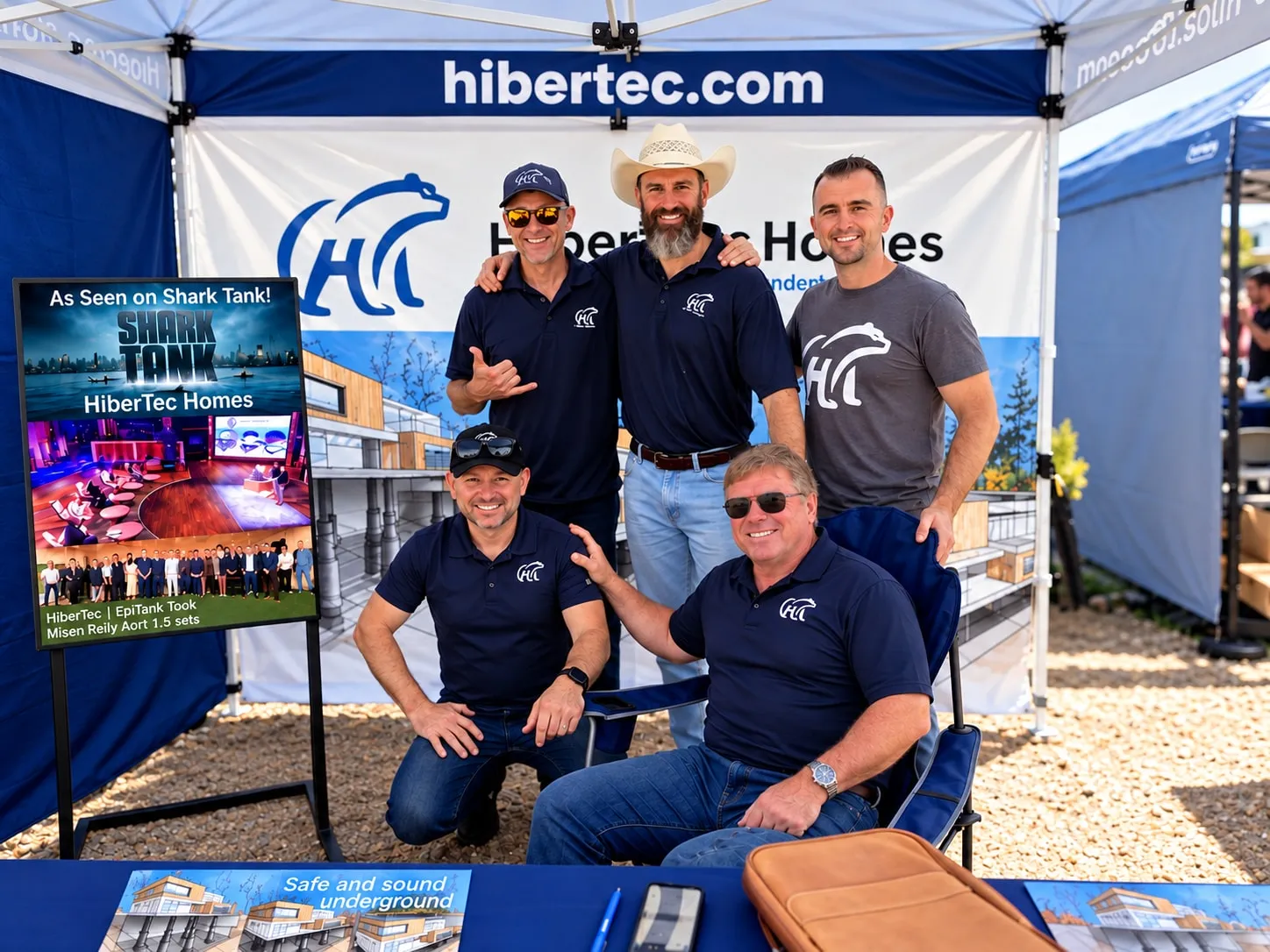
Holden Forrest and Mikke Pierson pitched HiberTec Homes and reached a deal with Barbara Corcoran on the show.
Holden Forrest on Shark TankABC’s episode guideWatch the pitch
Holden Forrest and HiberTec Homes on screen, in conversation and in the press.
Season 17, Episode 17 · April 15, 2026
Holden Forrest and Mikke Pierson pitched HiberTec Homes and reached a deal with Barbara Corcoran on the show.
Holden Forrest on Shark TankABC’s episode guideWatch the pitch
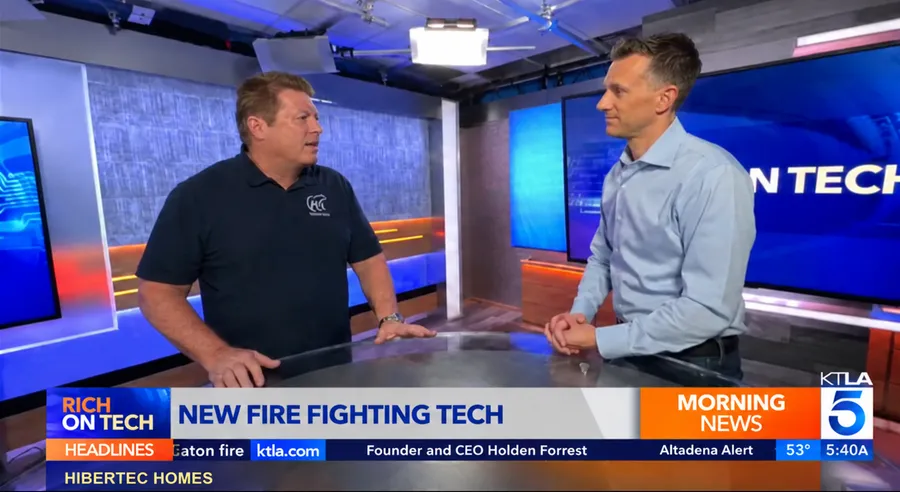
February 2025
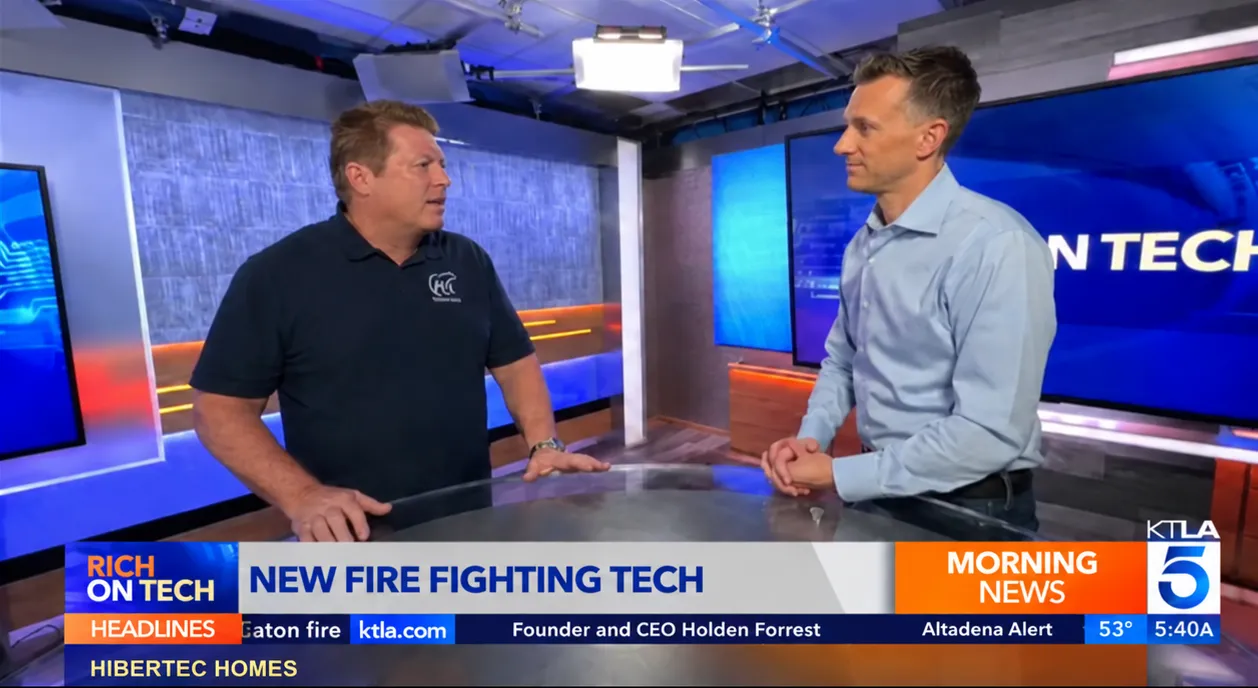
Holden joined Rich DeMuro to explain how a home could lower into an underground vault when wildfire threatens.
Environment newsletter · May 7, 2026
“The crazy new world of wildfire home-defense tech” mentions Holden Forrest in the context of HiberTec’s Shark Tank appearance.
November 27, 2023 · Host: Jason Feifer
In “Turn A Crazy Idea Into A Very Real Business,” Jason Feifer and Holden discuss how a cartoon on a homework page became the starting point for HiberTec.

Use Zoom image to enlarge; focus the image and use arrow keys to pan. Press Esc or Close to return.
“Can Homes Defend Themselves from a Fire with HiberTec?”
An extended conversation about HiberTec’s origin, its three engineering systems and the mission to protect homes while families evacuate. A firefighter’s perspective brings the discussion back to the people defending homes on the fire line.
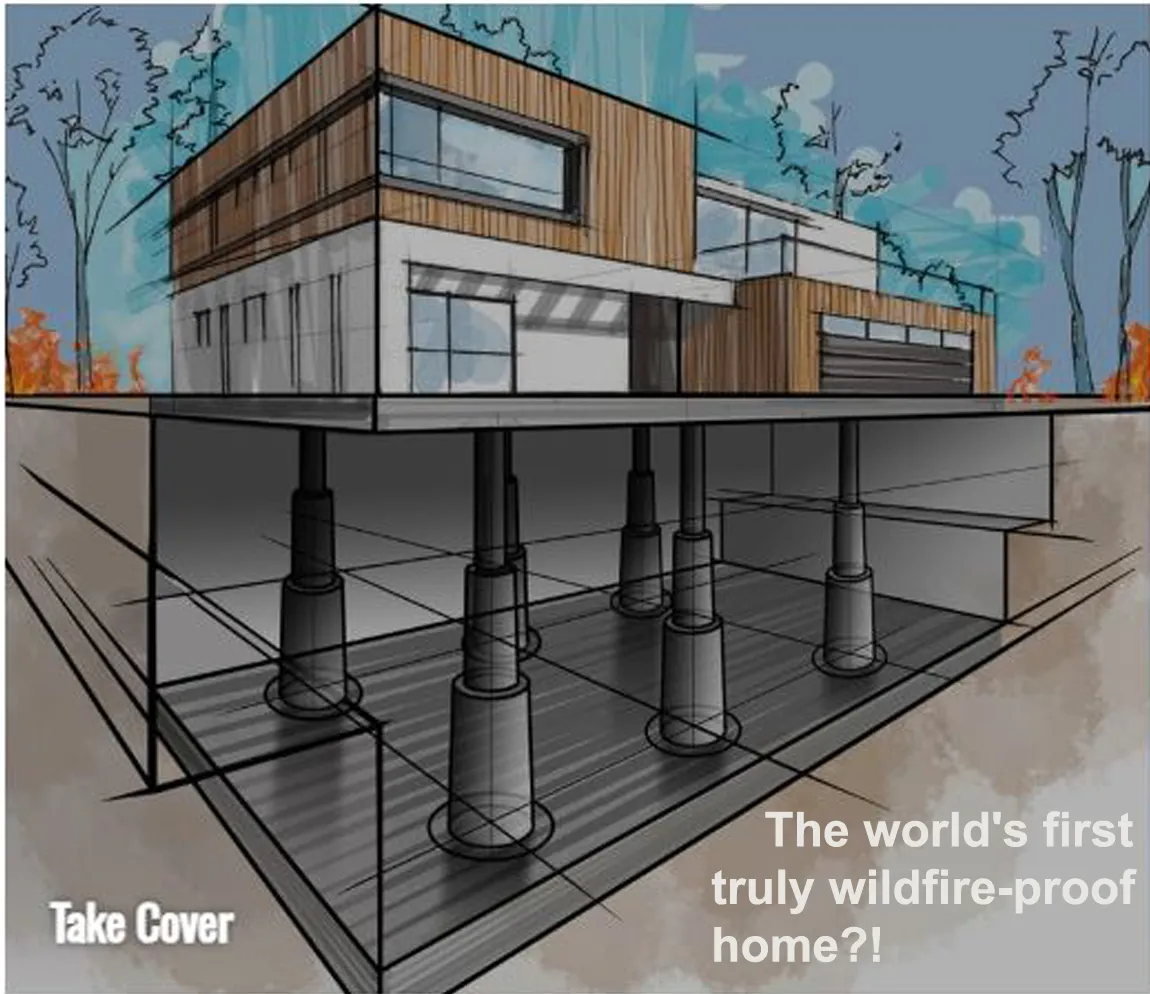
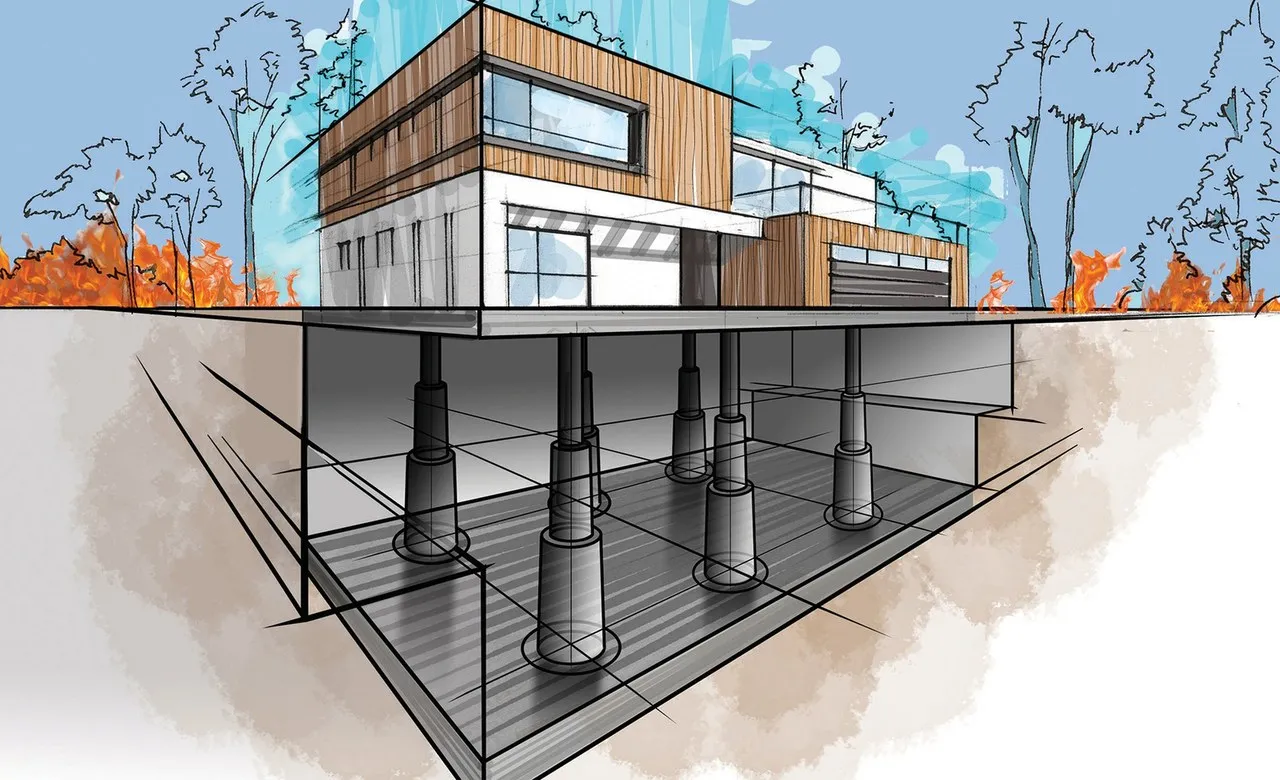
March 14, 2025
“Take Cover” explores HiberTec’s home-protection concept, with illustrations of a home above and below ground.
Use Zoom image to enlarge; focus the image and use arrow keys to pan. Press Esc or Close to return.
Use Zoom image to enlarge; focus the image and use arrow keys to pan. Press Esc or Close to return.
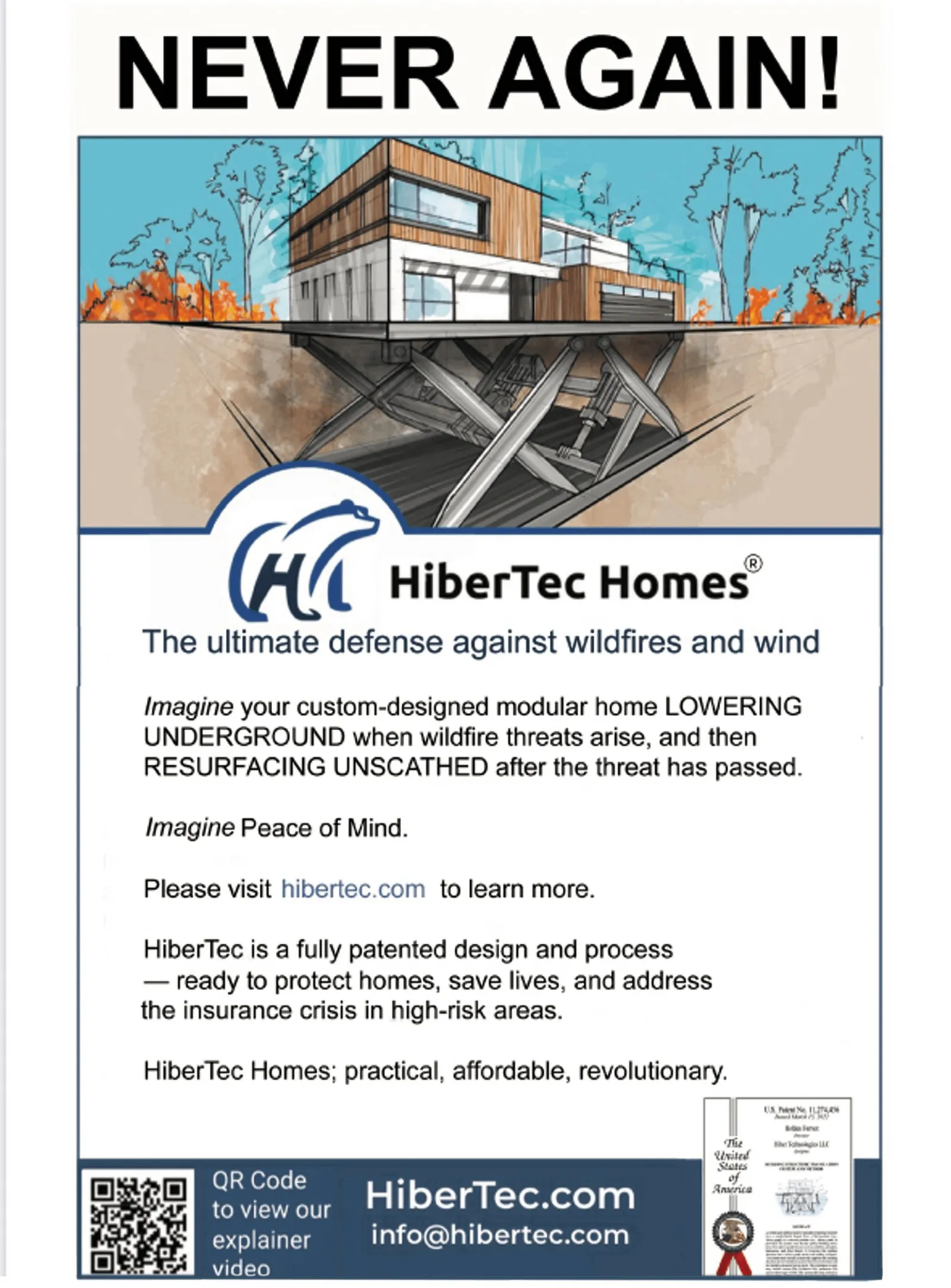
Campaign · February 2025 · HiberTec advertisement
HiberTec appeared in the Palisadian-Post with an advertisement introducing its underground home-protection system.
Use Zoom image to enlarge; focus the image and use arrow keys to pan. Press Esc or Close to return.
Firm-issued release · January 18, 2024
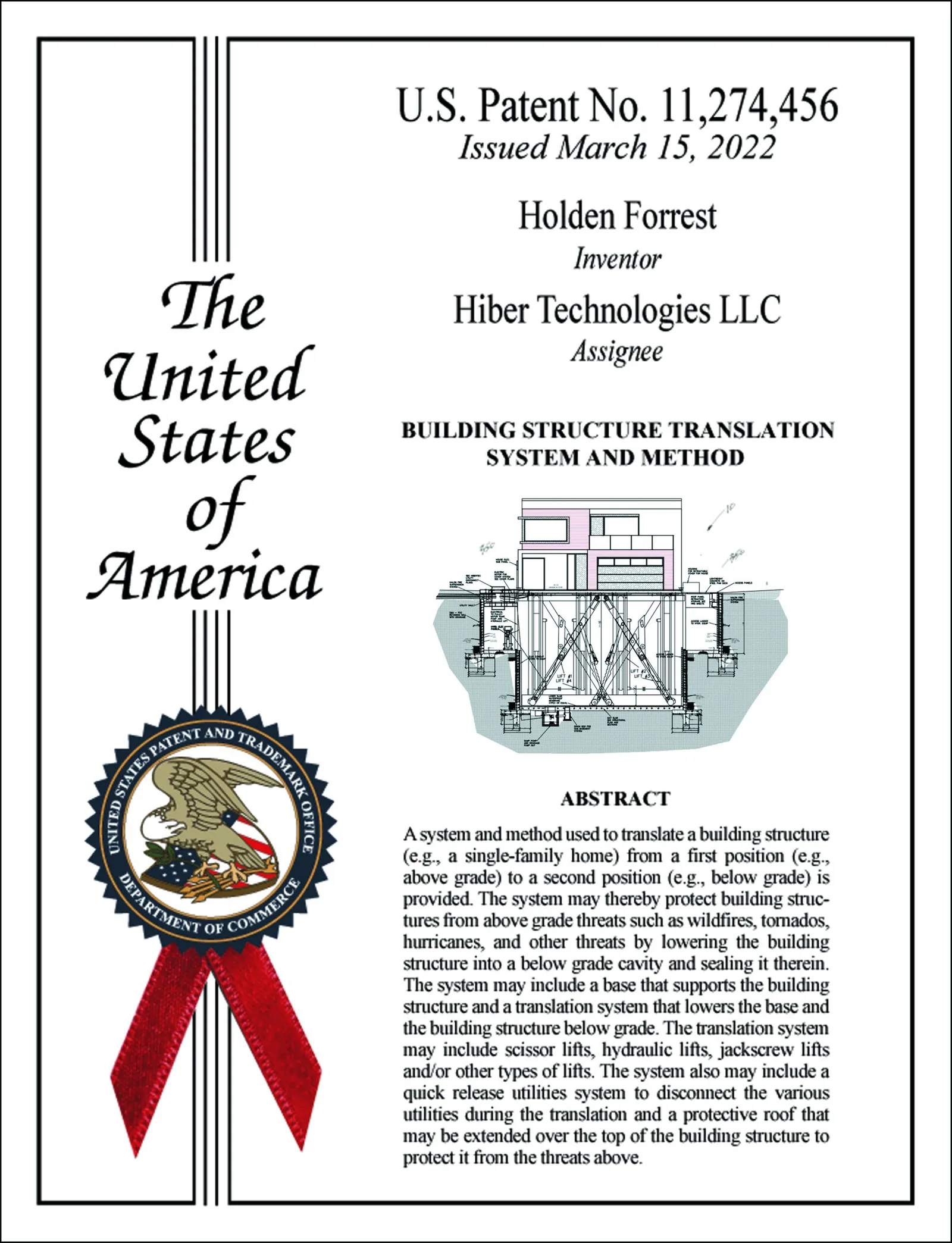
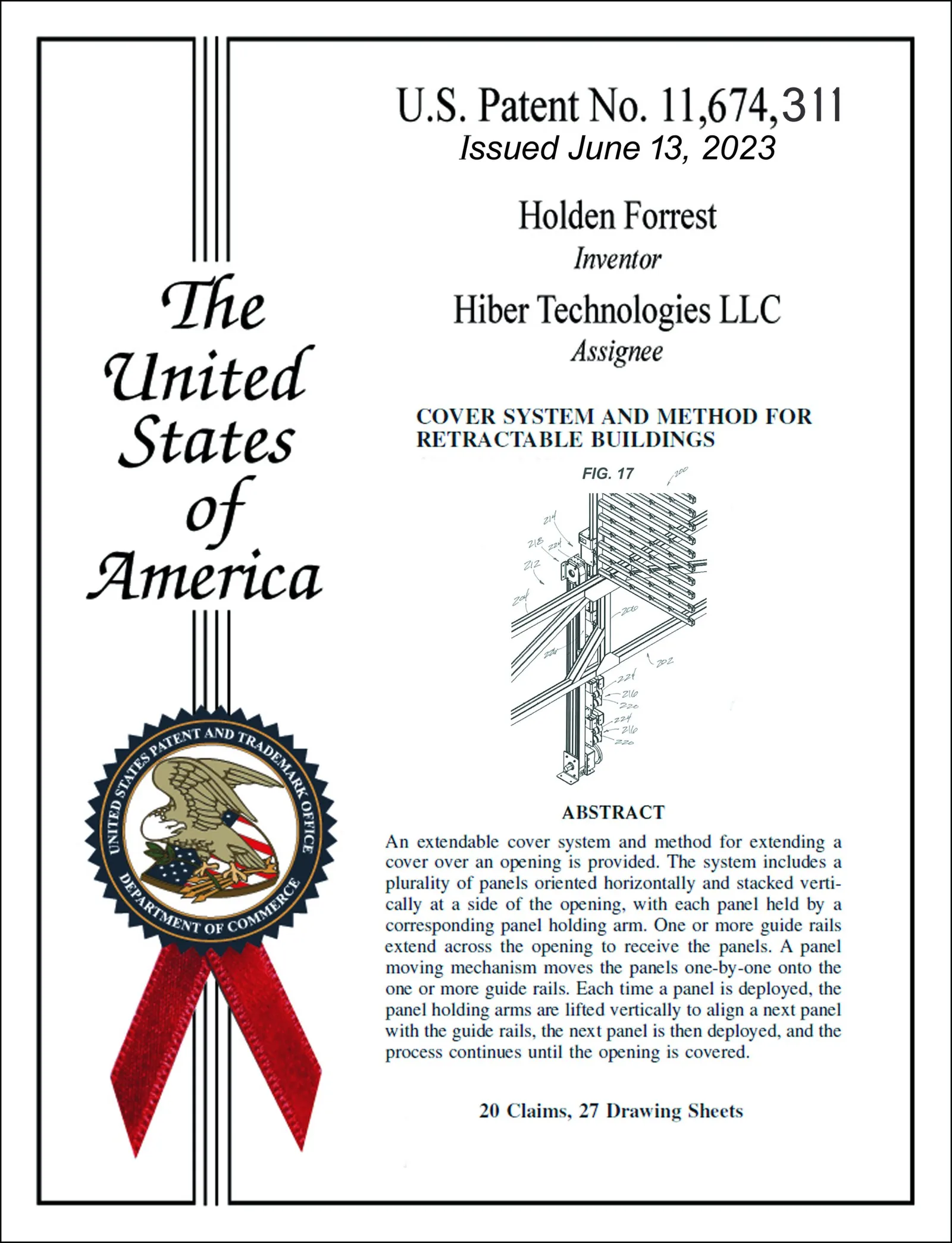
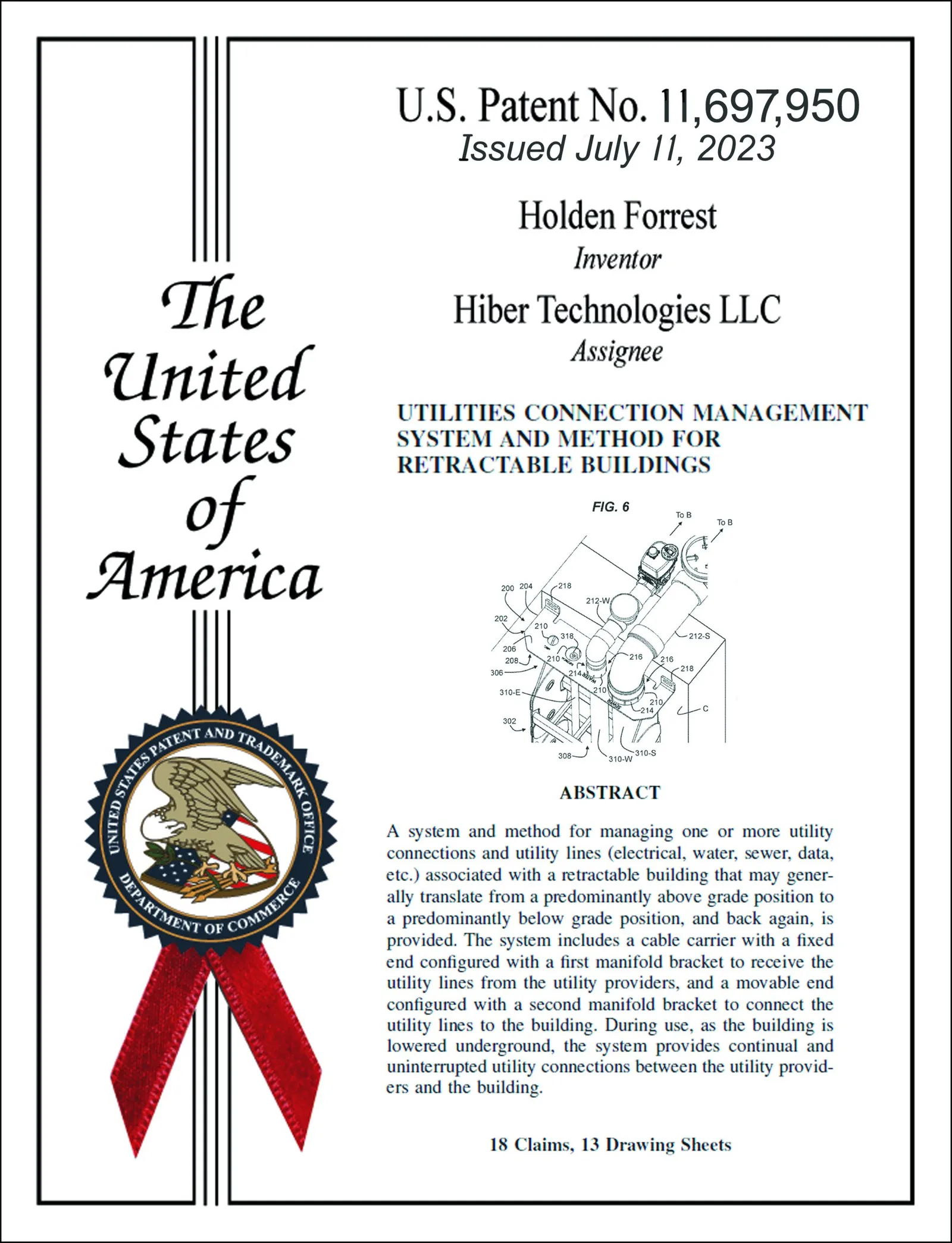
Cohen IP Law Group’s release describes its work helping HiberTec secure three patents for the home-protection system. It names Holden Forrest and lists the patent numbers.
Clippings, conversations and moments along the way.
Select an image to take a closer look.

Use Zoom image to enlarge; focus the image and use arrow keys to pan. Press Esc or Close to return.

Use Zoom image to enlarge; focus the image and use arrow keys to pan. Press Esc or Close to return.

Use Zoom image to enlarge; focus the image and use arrow keys to pan. Press Esc or Close to return.
Clippings, conversations and moments along the way.
Select an image to take a closer look.

Use Zoom image to enlarge; focus the image and use arrow keys to pan. Press Esc or Close to return.
Use Zoom image to enlarge; focus the image and use arrow keys to pan. Press Esc or Close to return.

Use Zoom image to enlarge; focus the image and use arrow keys to pan. Press Esc or Close to return.

Use Zoom image to enlarge; focus the image and use arrow keys to pan. Press Esc or Close to return.

Use Zoom image to enlarge; focus the image and use arrow keys to pan. Press Esc or Close to return.

Use Zoom image to enlarge; focus the image and use arrow keys to pan. Press Esc or Close to return.

Use Zoom image to enlarge; focus the image and use arrow keys to pan. Press Esc or Close to return.

Use Zoom image to enlarge; focus the image and use arrow keys to pan. Press Esc or Close to return.

Use Zoom image to enlarge; focus the image and use arrow keys to pan. Press Esc or Close to return.
Clippings, conversations and moments along the way.
Select an image to take a closer look.

Use Zoom image to enlarge; focus the image and use arrow keys to pan. Press Esc or Close to return.

Use Zoom image to enlarge; focus the image and use arrow keys to pan. Press Esc or Close to return.

Use Zoom image to enlarge; focus the image and use arrow keys to pan. Press Esc or Close to return.
Use Zoom image to enlarge; focus the image and use arrow keys to pan. Press Esc or Close to return.
Use Zoom image to enlarge; focus the image and use arrow keys to pan. Press Esc or Close to return.
Use Zoom image to enlarge; focus the image and use arrow keys to pan. Press Esc or Close to return.
Use Zoom image to enlarge; focus the image and use arrow keys to pan. Press Esc or Close to return.
Use Zoom image to enlarge; focus the image and use arrow keys to pan. Press Esc or Close to return.
Clippings, conversations and moments along the way.
Select an image to take a closer look.
Use Zoom image to enlarge; focus the image and use arrow keys to pan. Press Esc or Close to return.
Clippings, conversations and moments along the way.
Select an image to take a closer look.
Use Zoom image to enlarge; focus the image and use arrow keys to pan. Press Esc or Close to return.
Use Zoom image to enlarge; focus the image and use arrow keys to pan. Press Esc or Close to return.
Use Zoom image to enlarge; focus the image and use arrow keys to pan. Press Esc or Close to return.